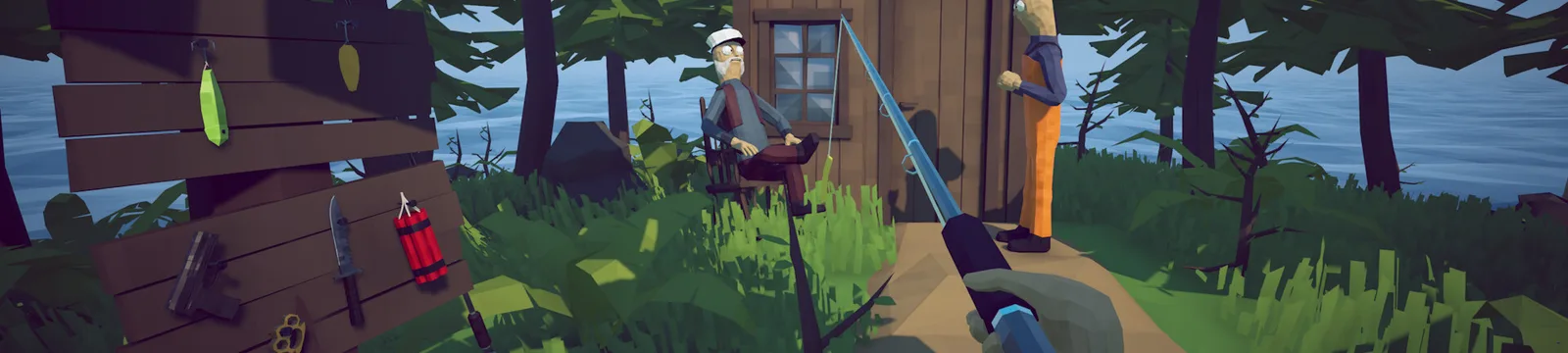

How to Fish System Requirements: Minimum PC Specs
How to Fish system requirements from Steam, including the official minimum PC specs and an honest note about missing recommended hardware.
FAQ
Can my PC run How to Fish?
Does How to Fish have recommended PC requirements?
Does How to Fish require 64-bit Windows?
What are the official How to Fish system requirements?
The table below copies the PC requirements currently shown on the official Steam store page. The developer provides a complete minimum column, but the recommended section contains no specific OS, processor, memory, graphics card, or storage target. Those empty recommendations are labeled honestly instead of being estimated from player hardware.
| Component | Minimum | Recommended |
|---|---|---|
| OS | Windows 10+ | Developer has not listed a recommended value |
| CPU | Intel Core i5-5257U, AMD Ryzen 3 1200 or equivalent | Developer has not listed a recommended value |
| RAM | 8 GB RAM | Developer has not listed a recommended value |
| GPU | GeForce GTX 1050, AMD RX 460 or equivalent | Developer has not listed a recommended value |
| Storage | 1 GB available space | Developer has not listed a recommended value |
Steam also lists a Broadband Internet connection under the minimum requirements. Both the Minimum and Recommended sections state that a 64-bit processor and operating system are required.
Can you use the minimum specs as a performance guarantee?
No. Minimum requirements are the developer’s entry baseline, not a promise of a specific frame rate or resolution. The Steam listing does not say whether the minimum hardware targets 30 FPS, 60 FPS, 720p, 1080p, or any particular quality preset. It also does not publish a recommended target that could be used as a higher-performance reference.
If your computer meets the minimum but the game stutters, use the low FPS and stuttering fixes before assuming the hardware is unsupported. Start with a clean restart, close heavy background applications, verify the game files, and test lower in-game settings one change at a time. That helps separate a settings or driver problem from a machine that is below the official baseline.
How do you compare your PC with the Steam requirements?
On Windows, open Settings → System → About to check the processor, installed RAM, system type, and Windows version. Open Task Manager → Performance → GPU or run dxdiag to identify the graphics processor. Compare the model names with the official table rather than comparing only memory totals.
Use these checks in order:
- Confirm that Windows is version 10 or newer and the system type is 64-bit.
- Confirm that the computer has at least 8 GB of installed RAM.
- Identify the exact CPU model and compare it with the listed Intel Core i5-5257U or AMD Ryzen 3 1200 baseline.
- Identify the exact GPU model and compare it with the GTX 1050 or RX 460 baseline.
- Leave at least 1 GB available for the installation, plus reasonable extra free space for updates, logs, and save data.
- Confirm that Steam can use a stable broadband connection, especially before hosting or joining multiplayer.
A newer product name is not automatically faster, especially with low-power laptop processors or integrated graphics. If the comparison is unclear, use independent benchmark data for the exact models, but keep that comparison separate from the official requirements shown here.
What if the game will not launch on a supported PC?
Meeting the listed minimum does not rule out damaged files, outdated graphics drivers, security software blocks, overlays, or another startup problem. Follow the crash-on-launch checklist in its published order and keep any exact error message visible when asking for help.
For handheld play, hardware requirements do not tell the full story. Steam now marks the game as Verified for Steam Deck in Patch 1.0.11, while older reports were written before that status changed. Read the Steam Deck troubleshooting page and compare its verified-patch badge with the current patch notes before applying an old workaround.
Why are there no estimated recommended specs here?
An unofficial recommendation could be useful only if its test conditions were documented: hardware, driver, resolution, quality preset, target frame rate, and patch version. Steam does not provide those details, and a few player reports cannot establish a universal requirement. This page therefore records the official values and the official omission without filling the gap with invented numbers.
The requirements were last checked on September 2, 2026, against the Steam listing while Patch 1.0.11 was the latest tracked official update. Store requirements can change, so recheck Steam if the page’s verification date is old.
Sources
- How to Fish on Steam — System Requirements — official minimum requirements and the incomplete Recommended section. Accessed 2026-09-02.
Related Articles
guides
How to Beat the Albatross Boss — How to Fish Guide
This How to Fish Albatross boss guide explains the Tuna trigger, ranged rain attack, cover timing, safe damage windows, and weapon choices.
guides
How to Beat the Blue Shark Boss — How to Fish Guide
This How to Fish Blue Shark boss guide explains the Desert lure, spinning charge, safe movement, weapon choice, and grill quest hand-in.
guides
How to Beat the Bowhead Whale Boss — How to Fish Guide
This How to Fish Bowhead Whale boss guide covers the final quest, body slam, falling hazards, upgraded Assault Rifle, healing, and Handyman.
Was this helpful?
Thanks for the feedback!