
How to Fish Secret Developer Island Guide
Explore the How to Fish secret Developer Island, why it is outside normal progression, and how to inspect it without risking your main save.
FAQ
Can you reach Developer Island normally?
Can editing the save break progression?
How many islands are in the normal story?
What is the secret Developer Island?
Developer Island is a hidden area beyond the five normal story locations. Recent Steam community and guide coverage shows it can be loaded by changing island values in a save file, but no ordinary quest, boat route, or official unlock has been documented. Treat it as restricted test content, not campaign progression.
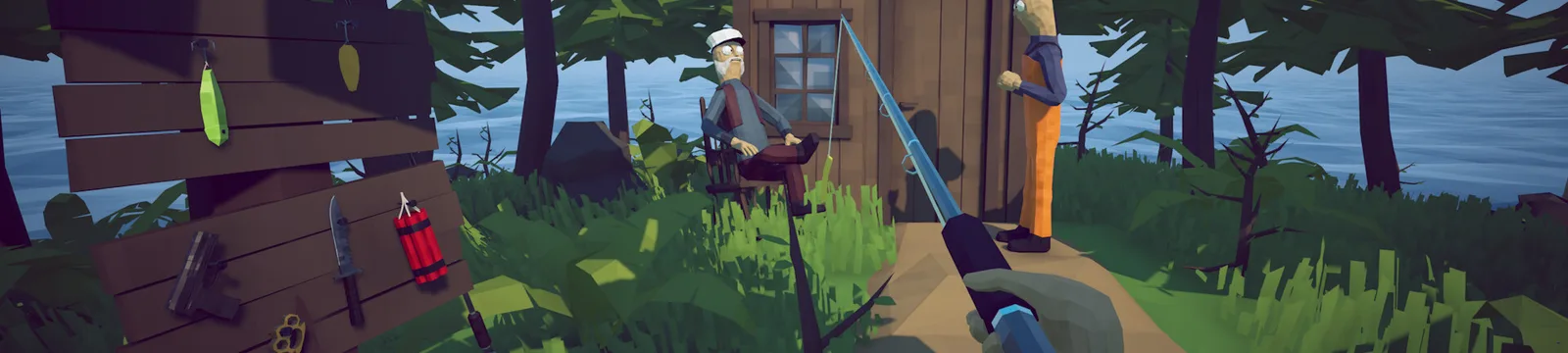
Sources also describe the area as a developer or casino island, sometimes noting a red map blip and a roofed casino-like structure. Those visual descriptions help identify the destination, but they do not make the access method officially supported.
If you only want to finish the game, follow the beginner walkthrough and the normal boat upgrade route. Neither requires this island.
What should you do before touching a save file?
Create a new disposable save and back up the entire save folder before editing anything. The community method changes progression values directly, so one typo or a future patch can leave the slot unusable. Do not experiment on a save that contains rare catches, completed bosses, achievements, or co-op progress you care about.
Safe preparation:
- Launch the game and create a new save slot solely for testing.
- Quit the game completely so it is not writing to the file.
- On Windows, locate the save folder under
AppData/LocalLow/Dazed Games/How to Fish/Saves. - Copy the whole new-save folder to a separate backup location.
- Confirm the backup opens as ordinary text before changing the working copy.
- If anything looks wrong after launch, quit and restore the untouched backup.
Warning: Save editing is outside normal play and may stop working after an update. The steps below summarize community reports; they are not an official developer feature or a promise that the save will remain valid.
Which values do community guides change?
The Steam guide demonstrates setting SpawnedIsland to 5. A commenter reports that the current build also needed MaxIsland set to 6, while the guide author says a fresh test save worked with only SpawnedIsland. This is a live conflict, so the second value is Pending verification (待核实).
| Save field | Reported value | Evidence status |
|---|---|---|
SpawnedIsland | 5 | Demonstrated by the Steam guide |
MaxIsland | 6 | Player-reported requirement; disputed |
Do not change unrelated keys. Save the file, launch the disposable slot, and check whether it loads the hidden island. If it does not, restore the backup instead of stacking random edits from comments.
Why is this not a normal walkthrough step?
Normal progression provides five locations and uses the boat, bosses, and upgrades to move forward. Developer Island is accessed by bypassing that flow at the save-data level. That makes it useful for curiosity and documentation, but unsuitable for a first run or an achievement route.
The island is also absent from the official 28-achievement list. Nothing on that checklist requires visiting it, and no verified reward justifies risking a main save. The all-bosses guide likewise covers normal encounters rather than treating the hidden area as a required boss zone.
How do you restore the backup?
Quit the game, remove only the altered disposable save folder, and put the untouched copy back in the same Saves directory. Relaunch and confirm that the slot returns to its pre-edit location. If cloud synchronization offers a conflict, choose carefully: syncing the altered file over the backup can defeat the recovery step.
Keep the backup until you have opened and closed the restored slot successfully. If the game changes the save format in a patch, stop and wait for independently reproduced instructions rather than testing new values on your main run.
For safer secrets that stay inside normal gameplay, use the Easter egg hub, the Bing Bong route, or the flying-boat stunt.
Which sources document Developer Island?
- Steam Community: Secret Developer Island — primary save-field demonstration and conflicting current-build comment.
- Destructoid Developer Island guide — independent hidden-area cross-check.
- Gameplaybook Developer Island guide — recent independent coverage of the save-based route.
- NerdsChalk Developer Island guide — location and casino-area description.
Related Articles
guides
How to Beat the Albatross Boss — How to Fish Guide
This How to Fish Albatross boss guide explains the Tuna trigger, ranged rain attack, cover timing, safe damage windows, and weapon choices.
guides
How to Beat the Blue Shark Boss — How to Fish Guide
This How to Fish Blue Shark boss guide explains the Desert lure, spinning charge, safe movement, weapon choice, and grill quest hand-in.
guides
How to Beat the Bowhead Whale Boss — How to Fish Guide
This How to Fish Bowhead Whale boss guide covers the final quest, body slam, falling hazards, upgraded Assault Rifle, healing, and Handyman.
Was this helpful?
Thanks for the feedback!